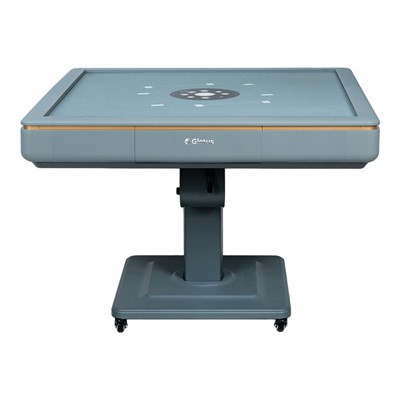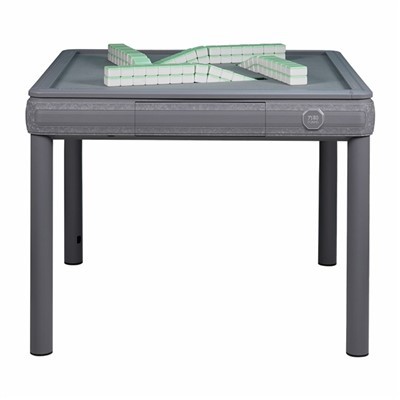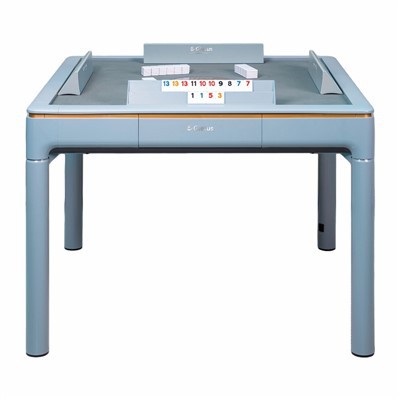

After connecting the power, press the red button; the central control panel will slowly rise. Press the button again, and the control panel will lower, while the mahjong tiles will rise neatly from the four tracks on the table.
After pressing the red button on the table, the central control panel will rise. Next, push all the mahjong tiles on the table into the tray. Press the button again, and the control panel will lower; simultaneously, another set of shuffled mahjong tiles will rise neatly from the four tracks on the table.
After simultaneously pressing and holding the two adjacent black buttons on the table for about two or three seconds, the control panel will display the current tile codes. Next, press the red button to select the desired tile code. Then, press any black button once more, and finally shuffle to get the adjusted tile count.
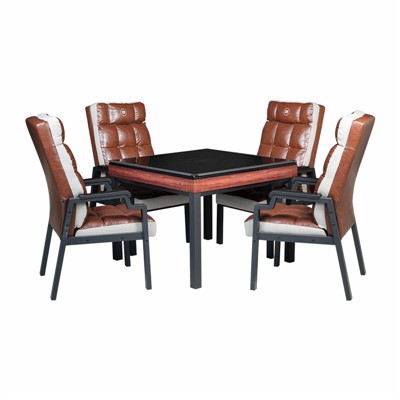
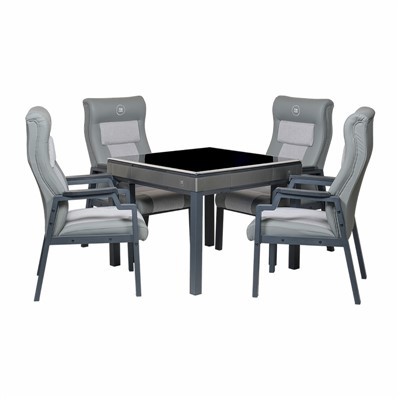
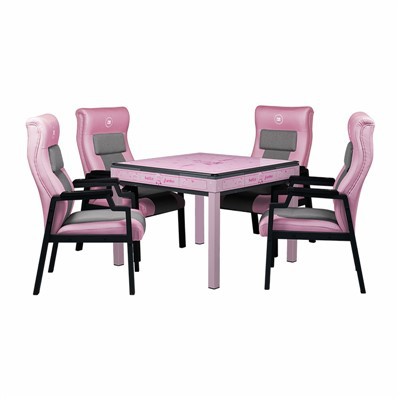
After the game, the mahjong table can be quickly transformed into a small dining table. Simply press the red button, and the central tray will rise, while the mahjong tiles will be automatically pushed in. Then, press and hold the two diagonally opposite black buttons, and the central tray will lower and lock in place, while the mahjong tiles will not rise again. Finally, by closing the mahjong machine lid, the table and chairs can be quickly transformed into a small dining table, which is convenient and practical.