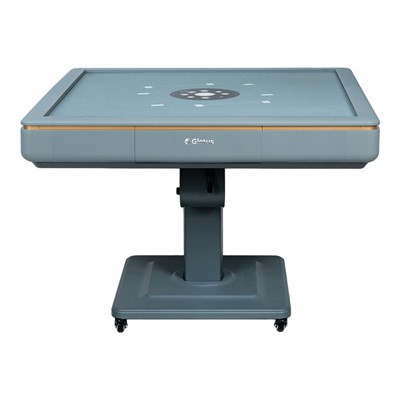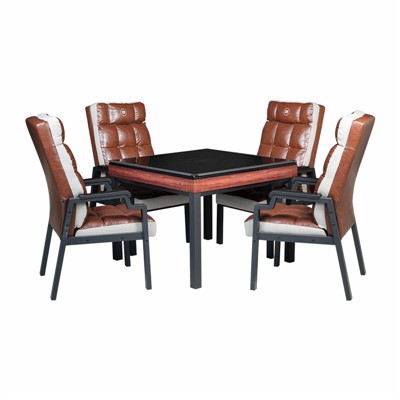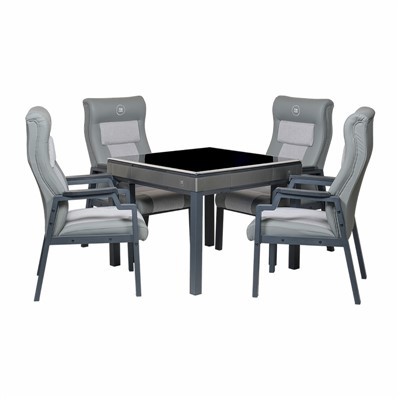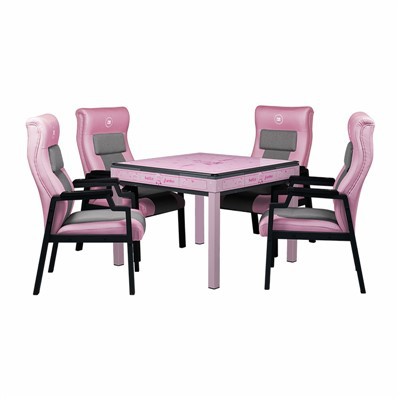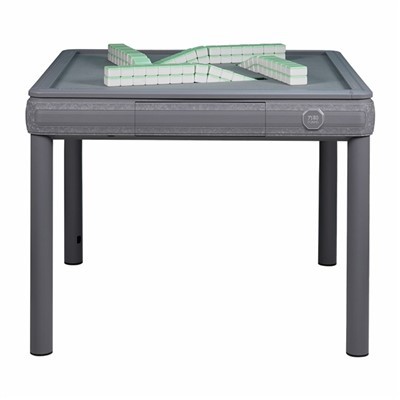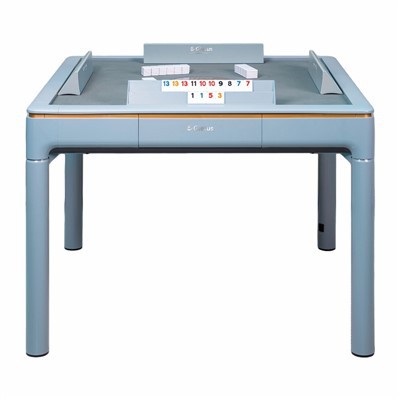

First, put in one deck of tiles to shuffle. Wait until the first deck is shuffled (usually there's an LED light near the logo on the dice pan; the light indicates it's finished).
Then, press the "Add Tiles" button (usually two buttons) to push in the other deck. Simultaneously, press and hold the two dice-rolling buttons on the dice pan (usually four buttons), holding the two diagonally opposite buttons for 3 seconds or more until you hear a beeping sound. Release the buttons; the dice pan will automatically sink. This puts in both decks.
Press any of the lift buttons on the control panel. The panel door will automatically rise. Put in the first deck of mahjong tiles. Press the lift button again, and the panel door will automatically close. Simultaneously, the machine will begin shuffling automatically. The reset indicator light will illuminate, indicating shuffling is complete. Press the lift button again, and the door will rise again. Put in the second deck of mahjong tiles. Press the lift button again, and the panel door will close while the first deck rises. The game begins.